


Customer Interview Questions: 25 Questions That Get Honest Answers [2026]
25 customer interview questions for three occasions, the five rules that keep answers honest, and how to run interviews at scale when you cannot do 50 calls.

The Employee Net Promoter Score (eNPS) captures employee loyalty in 2 minutes: one 0-10 rating question plus one open-text follow-up. AI analyzes the reasons behind every score and calculates your eNPS automatically with industry benchmarks.
Use This Template FreeHow many people answered 9–10, 7–8 and 0–6?
% promoters − % detractors
Enter the answers — the score appears instantly.
Your loyal advocates who actively recommend the company as an employer. They drive referral hiring, leave positive Glassdoor reviews, and are the foundation of your employer brand. The goal: convert Passives into Promoters.
Satisfied but not enthusiastic employees. They will not actively recommend or criticize, but they are vulnerable to competitor offers. The biggest eNPS improvement opportunity lies in understanding what Passives need to become Promoters.
Unhappy employees who would not recommend the company and may actively discourage others. They have the highest turnover risk and the strongest negative impact on employer brand. The open-text follow-up question reveals what is driving their dissatisfaction.

I've analyzed the results and summarized the key themes — with actionable recommendations for your team.
The Employee Net Promoter Score (eNPS) is the simplest, most widely used metric for measuring employee loyalty. Based on the same methodology as the customer NPS developed by Fred Reichheld, it asks one single question: On a scale of 0-10, how likely are you to recommend this company as a place to work?
Responses are categorized into three groups: Promoters (9-10, loyal advocates), Passives (7-8, satisfied but uncommitted), and Detractors (0-6, unhappy and potentially damaging your employer brand). The eNPS formula is: % Promoters minus % Detractors, producing a score from -100 to +100. 90% of Fortune 500 companies use some form of eNPS. The beauty is its simplicity: 2 minutes, 2 questions, one clear number that tells you whether your employees would recommend working here.
Start using this template for free
The eNPS is the leading indicator for retention, engagement, and employer brand health. Companies with high engagement are 23% more profitable and see 43% less turnover (Gallup). Two minutes per employee, one number that tells the full story.
59% of employees would not recommend their company as an employer (ContactMonkey). eNPS tells you where you stand.

The eNPS number alone tells you the what. The open-text follow-up question reveals the why. AI analyzes all responses and groups them into themes: management, compensation, growth, culture, work-life balance. You know not just the score but the specific lever to pull.
Each eNPS point represents approximately $940 per employee in growth potential (Infeedo).

Only 2 questions. Run it monthly or quarterly as the ultimate pulse survey without any survey fatigue risk. Track your eNPS over time to see whether your initiatives actually move the needle. Anonymous and GDPR-compliant.
eNPS response rates exceed 80% because of the ultra-short format. Longer surveys average 65%.
The eNPS survey consists of exactly 2 questions: one standardized 0-10 rating (the Employee Net Promoter Score question) and one open-text follow-up (the reason behind the score). This combination gives you both the number and the narrative.
On a scale of 0-10, how likely are you to recommend this company as a place to work?
The standardized eNPS question. Responses categorize employees into Promoters (9-10), Passives (7-8), and Detractors (0-6). The eNPS formula: % Promoters minus % Detractors gives a score from -100 to +100. DACH average: -13. Global average: +12 to +21. Above +30 is strong. Above +50 is excellent.
What is the primary reason for your score?
The most important follow-up question in any eNPS survey. This open-text response reveals the specific drivers behind each score. AI groups all responses into themes (management, compensation, growth, culture, work-life balance) and shows which themes Promoters love, Passives tolerate, and Detractors complain about.
The employee net promoter score is calculated the same way as the customer NPS. Four steps, no spreadsheet needed — and if you run the survey on this page, the calculation happens automatically.
One 0–10 rating question
"On a scale of 0–10, how likely are you to recommend this company as a place to work?" Keep the wording identical every time — a changed question breaks the trend line.
Promoters, passives, detractors
9–10 = Promoters: loyal advocates who would actively recommend you
7–8 = Passives: satisfied but uncommitted — they do not count in the formula
0–6 = Detractors: unhappy, and likely to say so
eNPS = % promoters − % detractors
Divide the number of promoters by all respondents, do the same for detractors, and subtract the second percentage from the first. The result is a whole number between −100 and +100 — not a percentage.
The number is the alarm, the open question is the diagnosis
Two companies can both score +20 with completely different problems. That is why the survey adds one open follow-up ("What is the main reason for your score?") and AI clusters the answers by theme, separately for promoters and detractors. Track the score quarterly; a change of 10 points or more is a signal, anything smaller is noise.
| eNPS | Reading | Typical for | What to do |
|---|---|---|---|
| Below 0 | More detractors than promoters | Restructurings, high turnover, hourly workforces | Read the detractor comments first; act on the top theme within 30 days |
| 0 to +10 | Acceptable, fragile | Cross-industry average | Convert passives: ask what would make them a 9 |
| +10 to +30 | Good | Healthy mid-sized companies, tech, consulting | Hold the level; watch team-level outliers |
| +30 to +50 | Excellent | Top employers in their segment | Learn from promoters what to protect |
| Above +50 | World class — or too few respondents | Rare; check response rate before celebrating | Verify with a full engagement survey |
The free eNPS survey on this page calculates the score automatically, shows the promoter/passive/detractor split per team, and keeps every run on one trend line. AI reads the open answers and tells you the main reason behind the number. Benchmarks by industry and the difference to a full engagement survey are covered in the eNPS guide.
Send the 2-question eNPS survey to your team or entire organization. Aim for 70%+ participation. The ultra-short format typically achieves 80%+ response rates. Run monthly or quarterly for trend tracking.
AI automatically categorizes responses into Promoters (9-10), Passives (7-8), and Detractors (0-6), then calculates: % Promoters minus % Detractors = your eNPS. Example: 40% Promoters, 30% Passives, 30% Detractors = eNPS of +10.
AI analyzes all open-text responses and groups them by theme and respondent category. You see what Promoters love, what Passives need to become Promoters, and what is driving Detractors away. This is where the actionable insights live.
Compare your eNPS over time to see whether your initiatives are working. AI benchmarks against industry averages and tracks month-over-month or quarter-over-quarter trends. The goal: steady improvement, not one-time measurement.
Your free access to templates, survey tools, and results with ways to export anywhere.
Get Started Free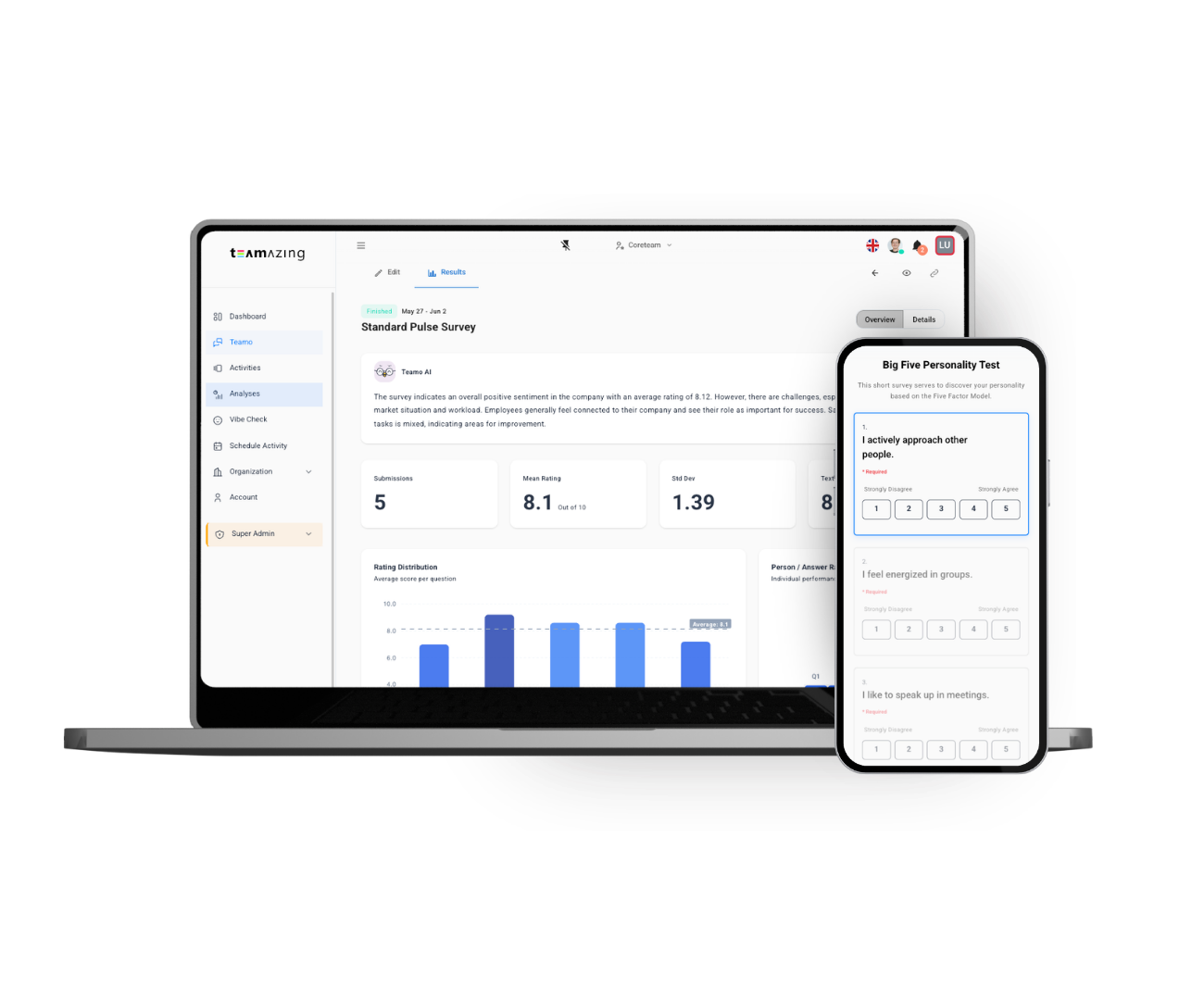
Teamo AI does more than calculate your eNPS. It analyzes the open-text reasons behind every score, groups them into themes by respondent category (Promoter/Passive/Detractor), tracks trends over time, and shows which specific actions would have the highest impact on moving Passives to Promoters.
Select the eNPS Survey template. Send to your team or entire organization. Takes 2 minutes to complete. Run monthly or quarterly as a pulse survey.
AI auto-calculates your eNPS from the 0-10 responses. See your Promoter/Passive/Detractor split at a glance. Compare against industry benchmarks and your own historical scores.
AI groups open-text reasons into themes per category: what Promoters love, what Passives need, and what drives Detractors away. You get the number and the narrative.
Find the right survey template for your team
Dive deeper with these guides
![Customer Interview Questions: 25 Questions That Get Honest Answers [2026]](https://www.teamazing.com/wp-content/uploads/2026/07/client-customer-interviews.jpg)
25 customer interview questions for three occasions, the five rules that keep answers honest, and how to run interviews at scale when you cannot do 50 calls.
![B2B Customer Satisfaction: Questionnaires for Project Completion, Annual Review and Cancellation [2026]](https://www.teamazing.com/wp-content/uploads/2026/07/customer-satisfation-survey.jpg)
B2B customer satisfaction questionnaires for project completion, annual review and churn interviews — with ISO 9001 documentation requirements and why NPS fails at low client counts.
![Customer Feedback: How to Collect It, Understand It and Actually Use It [2026]](https://www.teamazing.com/wp-content/uploads/2026/04/360-feedback.jpg)
Customer feedback done properly: methods per touchpoint, NPS vs CSAT vs CES, anonymous or attributed, and how to turn answers into product improvements.
Create your eNPS Survey in minutes — free with AI-powered analysis.
Use This Template Free